September 14, 2026
How AI Virtual Try On Works
And Why It's Not Magic
How does AI virtual try on actually work? A clear breakdown of the tech behind Google, ASOS, and Zalando's try on tools, plus how accurate it really is.
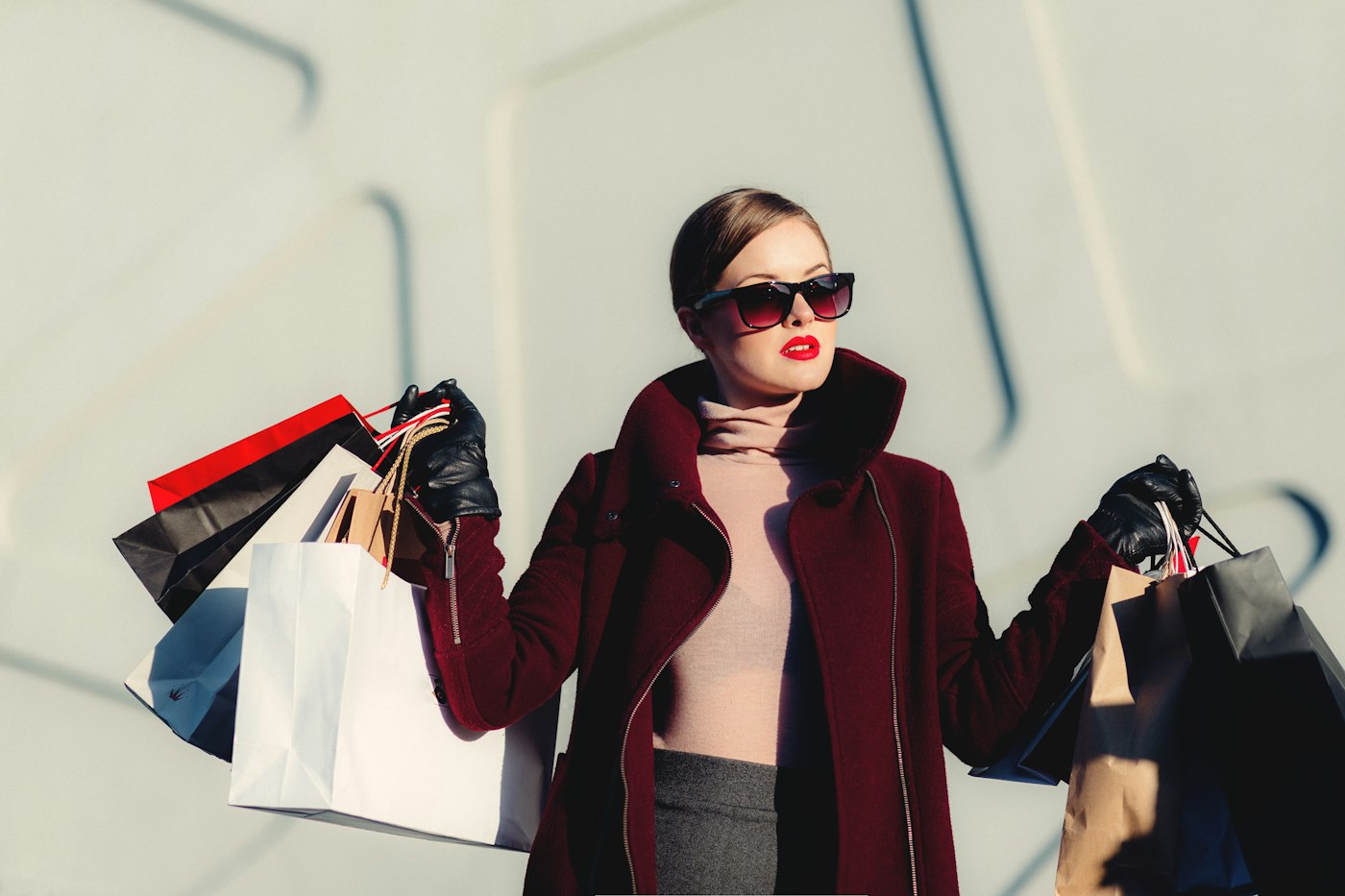
AI virtual try on takes two inputs: a photo of a person and an image of a garment. It outputs a new image of that person wearing that garment. To do this convincingly, the system has to solve three separate problems at once: understand the person's body and pose, understand the garment's shape and material, and then generate a combined image where lighting, shadows, and fabric behavior all look like they belong together rather than like a sticker pasted over a photo.
That third part is where most of the interesting engineering happens, and it's also where most tools still fall short.
What the Model Actually Looks At
Your Photo: Body, Pose, and Context
Before any clothing gets placed, the system needs a map of where you are in the frame. It identifies your outline, joint positions (shoulders, elbows, hips), and which parts of your body are visible versus occluded. This is why a photo with your arms crossed over your torso, or a heavily cluttered background, tends to produce worse results. The model is working with less reliable information about where the garment edges should fall.
Lighting direction matters too. A tool that ignores your photo's existing light source will generate clothing that looks like it was lit in a studio and dropped into your kitchen. The better tools sample the lighting from your original photo and carry it into the generated garment.
The Garment: More Than Just a Color and a Shape
On the clothing side, the model has to extract shape, color, pattern, sleeve type, neckline, hem length, and fabric texture. Denim behaves differently from silk, and a model that doesn't distinguish between them will render a stiff, flat looking drape regardless of the actual fabric.
This is also where things can go slightly wrong. Because most modern tools generate a new image rather than copying and pasting the garment photo, fine details like small logos, unusual button placement, or intricate patterns sometimes shift or simplify in the output. If you've tried a tool and noticed the shirt in your result isn't quite the shirt you uploaded, this is why.
From Two Photos to One Believable Image
Once the system understands both inputs, it has to merge them, and this is where the generative model does its real work. Most current tools use diffusion models to build the final image gradually rather than compositing layers, which is part of why results can vary between attempts on the same photo.
A convincing result depends on getting several things right simultaneously.
Placement
The neckline sits at the neck, and sleeves follow the arms, not just somewhere on the torso.
Folds and drape
Fabric creases differently depending on whether you're sitting, standing, or walking.
Shadow and light matching
The garment's shadows need to match the scene's existing light source.
Texture fidelity
Knit, denim, and silk all need to read differently.
Overall consistency
Face, body, garment, and background all need to look like one photograph, not a collage.
Get four of these right and one wrong, and the image still reads as slightly "off", which is usually the real reason a try on result looks uncanny rather than realistic.
Who's Actually Building This (and How They Differ)
The landscape has moved fast, and the tools take genuinely different approaches.
Google's virtual try on now lives inside Google Search and Shopping rather than a standalone app. Its earlier consumer app, Doppl, was shut down in April 2026 once the underlying technology moved into Search, where the product catalog already sits. Since late 2025, it's worked from a single selfie across a wide range of retailers, which is a meaningfully lower barrier than the full body photo requirement earlier tools needed.
ASOS
ASOS launched try on inside its app in early 2026 covering roughly 10,000 products, with a hybrid option letting shoppers use either their own photo or an AI generated avatar.
Walmart
Walmart's "Be Your Own Model", built on its 2021 Zeekit acquisition, now spans more than 270,000 apparel items, showing how far a large retailer can scale this once the core model is in place.
Zalando
Zalando ran a try on pilot on denim and reported return rate reductions of up to 40% on the tested items. That kind of number explains why retailers are investing here at all. This isn't a novelty feature. It's a tool for reducing returns.
Developer platforms
Platforms like FASHN.ai and other API providers serve a different audience entirely: brands and agencies who want to plug try on generation directly into a product catalog rather than offer it as a feature shoppers use. Pricing and output resolution vary a lot at this level, and it's worth checking a platform's default resolution against your actual listing requirements. Amazon, for instance, has its own minimum image size rules.
Fit tools
Tools like Virtusize take a different angle entirely. Instead of generating a visual, they compare a garment's measurements against clothes you already own to answer "will this fit me" rather than "how will this look." That's a genuinely different question from what image generation tools answer, and worth knowing the difference.
What This Can and Can't Tell You
This is the part that matters most if you're using try on tools to actually shop.
What it's good for
Getting a real sense of color, silhouette, and overall style on your body, and narrowing down options before you commit to a purchase.
What it can't tell you
Exact size, real fabric stretch, comfort, or how a garment will fit once you're actually wearing it. An AI generated image can make a jacket look tailored to your shoulders when the real garment runs a size small. The model has no way to know that, because it's generating a plausible image, not simulating physics on the actual fabric you'll receive.
Treat virtual try on as a styling and shortlisting tool, and still check the size chart and garment measurements before you buy. The two are meant to work together, not replace each other.
Getting a Better Result
A few habits make a real difference in output quality.
- →Use a well lit photo facing the camera, with your body clearly visible and unobstructed
- →Keep the background simple. A plain wall or neutral backdrop gives the model a cleaner subject to isolate
- →Choose a natural, neutral pose. Avoid crossed arms or angles that hide the areas you want the clothing to cover
- →Upload the highest resolution garment photo available. A blurry or low resolution product image limits how much detail the model can reconstruct
- →Check the tool's output resolution against where you'll use the image. A result meant for a quick preview may be too low in resolution for a product listing or print use
Where This Shows Up in Business
For retailers, this technology solves a specific, expensive problem: photographing every product on every body type is neither scalable nor realistic. Shopify has reported that products with AR or 3D content see meaningfully higher conversion rates, and Zalando's returns data above is a direct line to lower reverse logistics costs. That is why this has moved from "interesting demo" to standard ecommerce infrastructure at large retailers within a couple of years.
Product pages
Letting a shopper preview an item on their own body instead of only a model's.
Virtual fitting rooms
A more interactive alternative to static size guides.
Marketing and campaign imagery
Generating varied, personalized visuals without a full reshoot for every outfit combination.
Return rate reduction
Giving shoppers more confidence before checkout, rather than after a package arrives.
The caveat brands need to be upfront about: a generated image communicates visual appearance, not guaranteed fit, and that distinction should be clear to shoppers, not just implied.
A Note on Your Photos
Privacy practices vary meaningfully between tools, and it's worth checking before uploading a personal photo anywhere.
- →Whether the service stores your uploaded images, and for how long
- →Whether your photos are used to train the underlying model
- →Whether and how you can request deletion
- →Where processing actually happens: on the device, in the cloud, or through another company
One tool's privacy policy tells you nothing about another's. This is worth a two minute check per service, not an assumption you carry from one app to the next.